
Use Software Update to update or upgrade macOS, including built-in apps like Safari.
Before you get started, it's a good idea to make sure all of your files are saved to Google Drive. Then follow these steps to find and install any available software updates or upgrades.
- From the Apple menu in the corner of your screen, choose System Settings.
- In the System Settings window, click General.
- Click Software Update.
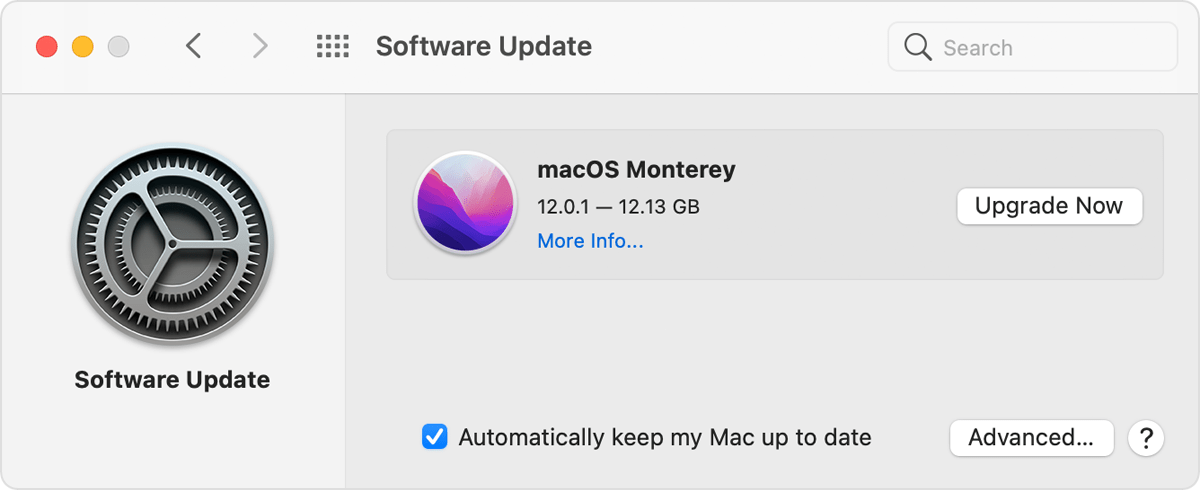
- Click Update Now or Upgrade Now:
- Update Now installs the latest updates for the currently installed version, such as an update from macOS Big Sur 11.5 to macOS Big Sur 11.6.
- Upgrade Now installs a major new version with a new name, such as macOS Monterey. Software Update shows only upgrades that are compatible with your Mac.
When Software Update says that your Mac is up to date, then macOS and all of the apps it installs are up to date, including Safari, Messages, Mail, Music, Photos, FaceTime, and Calendar.
Comments
0 comments
Article is closed for comments.