
This article explains how to get the most recent version of your class and students from Google Classroom into Classwize and how to resolve common issues that can occur when syncing.
- In Classwize, ensure that you don’t have any active classes (classes in session).
- SelectSync.
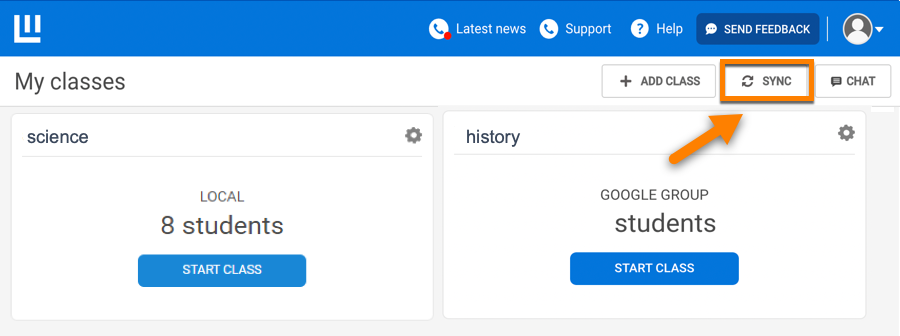
- TheSync with Google Classroom?dialog will appear. SelectSync.

- The sync will run. This may take up to five minutes.
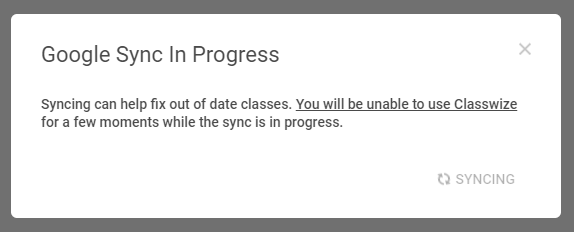
- When the sync has successfully finished, selectClose.

Comments
0 comments
Article is closed for comments.